
Viz Mosart User Guide
Version 3.9 | Published November 04, 2019 ©
Recording
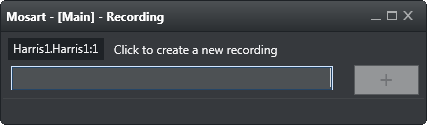
The Recording panel is used to prepare a new recording. Enter the file/recording name and press Add (+).
To open this window, go to main menu > Tools > Show recordings.
Note: The Recording window is only available if AV Automation has been configured to allow recording. See the section ‘Virtual Server Ports’ in the Viz Mosart Administrator’s Guide.