
Viz Mosart User Guide
Version 3.9 | Published November 04, 2019 ©
Creating Sequences
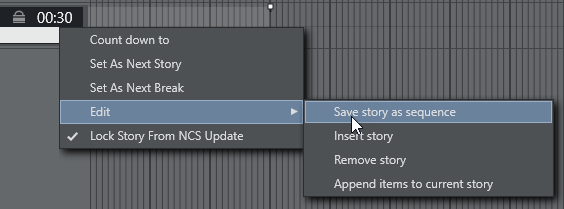
By right clicking on the info area of a story and selecting Edit > Save story as sequence, a story with all its templates and sub elements can be saved as a sequence. This sequence can later be used in template creation.
Please note that a sequence can only be used in the template set in which it was created.