Viz Mosart User Guide
Version 3.9 | Published November 04, 2019 ©
Lock Rundown or Story
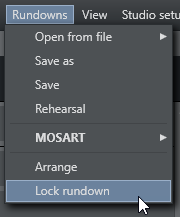
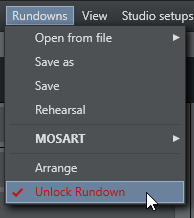
During a show it is possible to choose Lock Rundown from the Rundown menu. This will stop Viz Mosart receiving updates from the connected NCS and run from a locally cached copy of the rundown. To open the connection again, choose Unlock Rundown. Unlocking the rundown will immediately synchronize the current Viz Mosart rundown to the corresponding NCS rundown.
It is also possible to lock individual stories in the rundown. Right click on the selected story and choose Lock Story from NCS Update.
Repeat the procedure to unlock a locked story.