Showmaker has limited usability out-the-box, there are a few one-off configurations that must first be completed.
This section covers these one-off configurations, both for the system administrator and Showmaker user.
Info: Documentation is continually updated, see the latest version at the Vizrt Documentation Center.
System Administrator Only
Please follow the standard setup described in section Mosart Web Apps Configuration Tool, as well as Showmaker-specific instructions, then return to this page.
Setting up Showmaker for Daily Use
Prerequisites
Viz Mosart 5.14.3 or later
Info: With limited authentication features, Showmaker is largely compatible for testing with any version of Viz Mosart later than 5.1.0.
Installation and Configuration
You can open a standalone, pre-production rundown in Showmaker with no additional configuration.
However, to work with Viz Mosart templates or to test the rundown, you must perform these one-off configuration steps:
To manage Mosart templates
To work with Viz Mosart template sets in Showmaker, the bundled web application NRCS Plugin shall be correctly configured.
Follow the Showmaker instructions under section App Configuration.
To connect to Viz Mosart
To verify your Showmaker rundown in Viz Mosart, you will need to configure your browser’s connection to the Mosart server.
Ensure that your Viz Mosart system is operating under normal working conditions.
As a minimum,Manus Administrator must be running.
The Viz Mosart UI is running, displaying a rundown.
From the Mosart Web Apps Configuration Tool, select App Configuration and ensure the required setup has been completed.
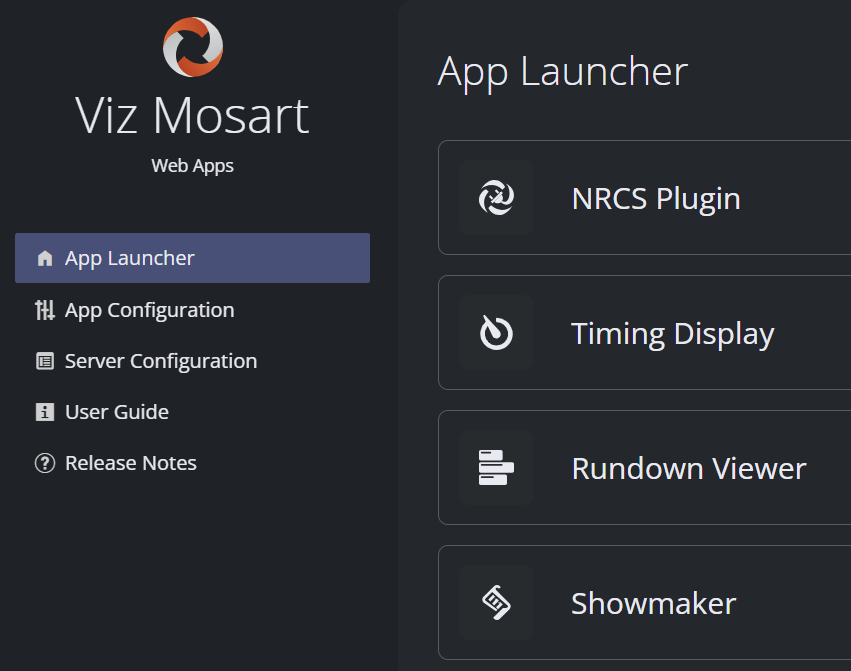
With these steps completed, Showmaker is ready to work with Viz Mosart.
You or your administrator may need to consider the scenarios presented in Optional Server Setups below.Jump straight into section Getting Started.
To work with Story Recorder feature in Viz Mosart
Story Recorder lets operators mark stories for recording in Viz Mosart, optionally publish the resulting clips to online platforms (TriCaster only) or replace the original story script with the recorded version.
To make these controls available in Showmaker:
Configure Story Recorder in Viz Mosart first. See the Vizrt Documentation Center, under Viz Mosart Administrator Guide > Operational Examples > Story Recorder Setup.
In the Configuration Tool, open Showmaker > Feature settings and turn on Enable Story Recorder controls.
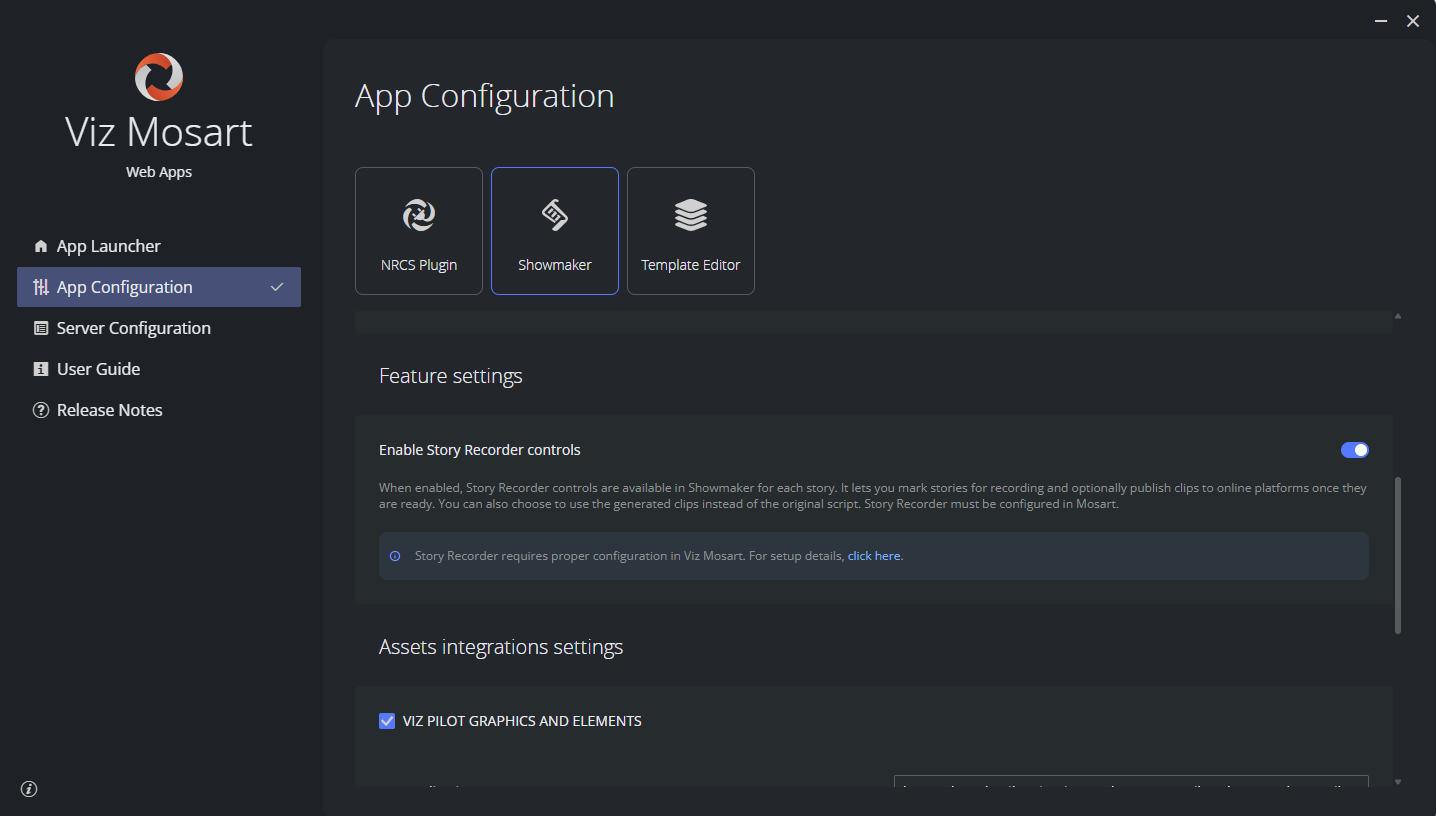
Once enabled, every story in Showmaker gains Record / Publish actions and Use recording toggle .
For how operators use these controls, see Working with Showmaker - Story Recorder.
Background on Story Recorder itself can be read in the Vizrt Documentation Center, under Viz Mosart User Guide > Operation > Story Recorder.
Refer to the latest Viz Mosart Administrator Guide, section Operational Examples > Story Recorder Setup for how to configure it in Viz Mosart.
Optional Server Setups
These settings are usually performed by a system administrator.
Support for Main/Backup Connection
If you have a backup server for redundancy, you will need define the environment in the menu section Server Configuration.
Support for HTTPS
If you are using HTTPS, you will need define the environment, using the menu Server Configuration.
Troubleshooting
Please refer to section Troubleshooting.