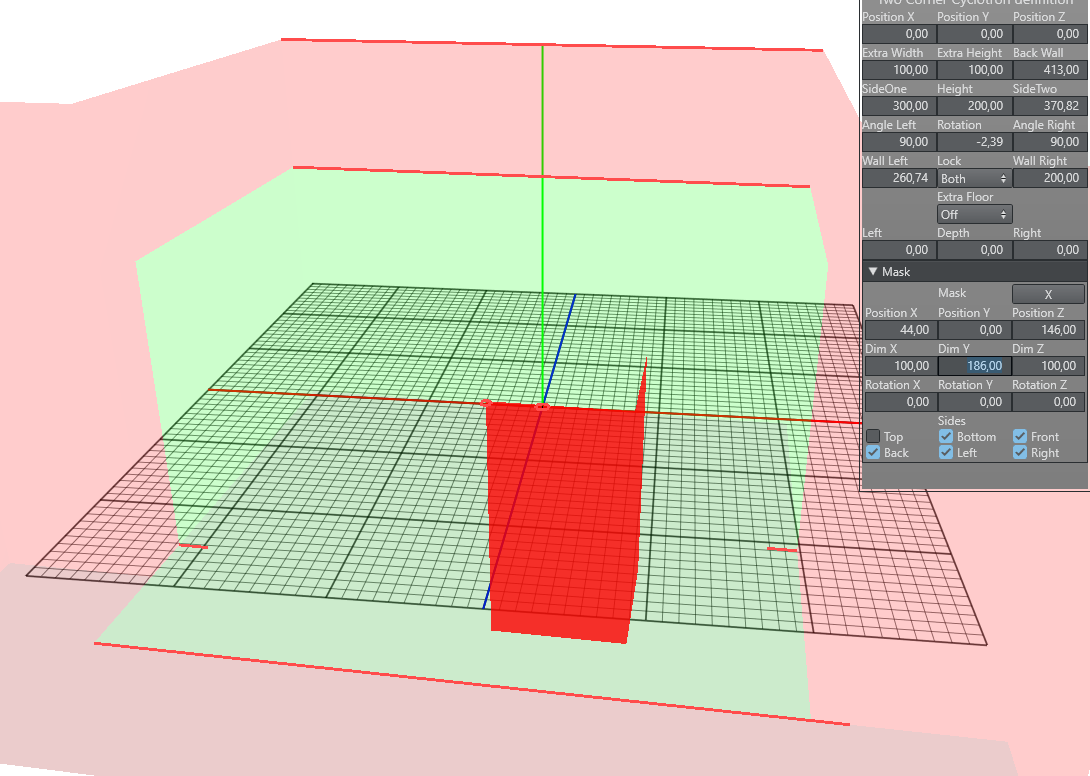
The CYC Editor enables creation of Cyc and CoCyc masks which are needed to mask out regions of the Studio not covered by the green/blue screen. The CoCyc mask is a geometry which is created in the CYC Editor and stored on the Tracking Hub. From there the CoCyc is sent to all connected Engines. Every change in the editor and its sub elements is immediately communicated to the Engines and to the Tracking Hub.
Note: The cyc data is sent to Viz Engine only when at least one camera service exists. In case of NDI, at least one camera service must exist for every Viz Engine.
Workflows
A new Cyc workflow was introduced in Viz Engine version 4.0. The Cyc resides now in a special scene property, which resides in the Virtual Studio scene. Please refer to the Viz Engine Administrator Guide for further information. As the transportation of the Cyc information sent to the Engines is different now, there is a new dropdown in the Cyc Editor to select the used Viz Engine version.
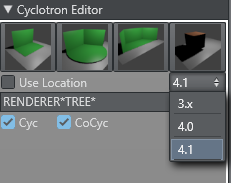
Please remember, that the Engine needs to be On Air to make the sent commands work.
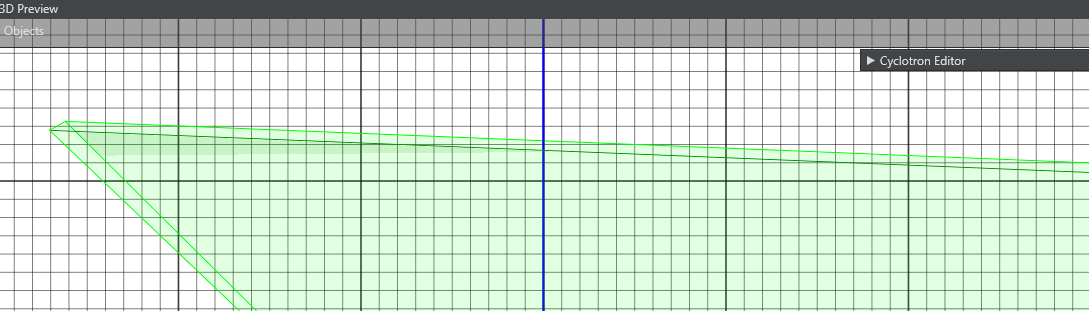
The new Cyc Editor is located in the top-right corner of the preview panel. It can be expanded by clicking the arrow on the left side.
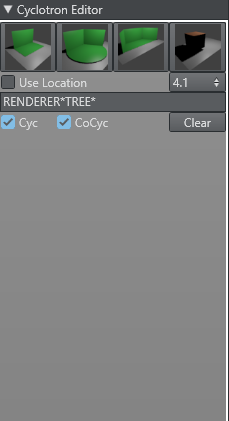
There are three Cyclotron types are available: Back-Wall, One-Corner and Two-Corner Cyc.
Common Cyc-Editor Elements
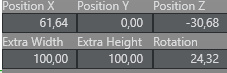
For every Cyc model, six common parameters can be defined. The position, rotation (Y-Axis), Extra Height and Extra Width. Extra height defines the distance from the top of the Cyc wall to the ceiling of the room. Extra width defines room size around the green wall and floor area.
Back-Wall
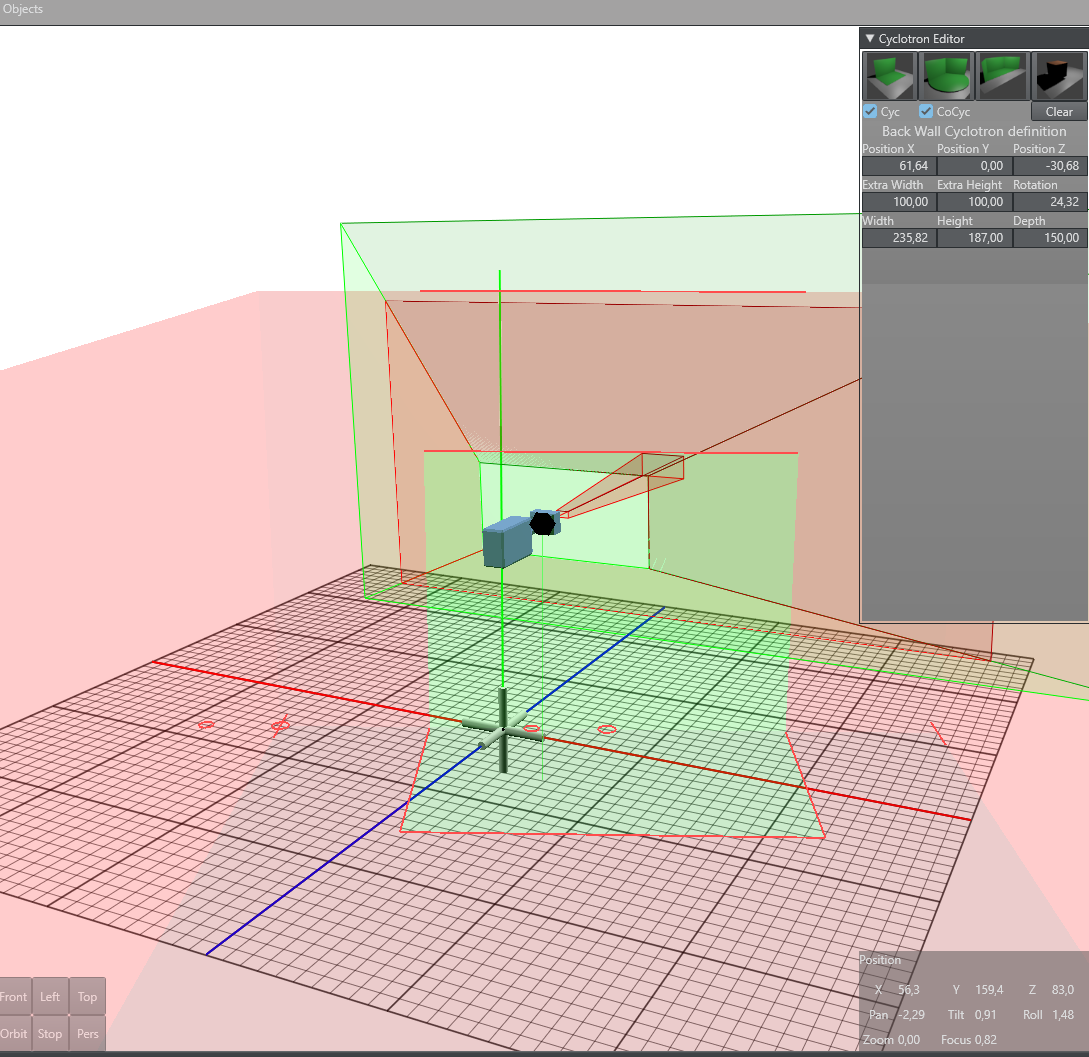
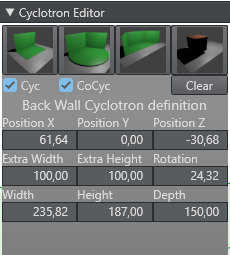
The back-wall Cyc has three additional parameters: These are the width of the green wall, height of the green wall and the depth of the ground area.
One Corner
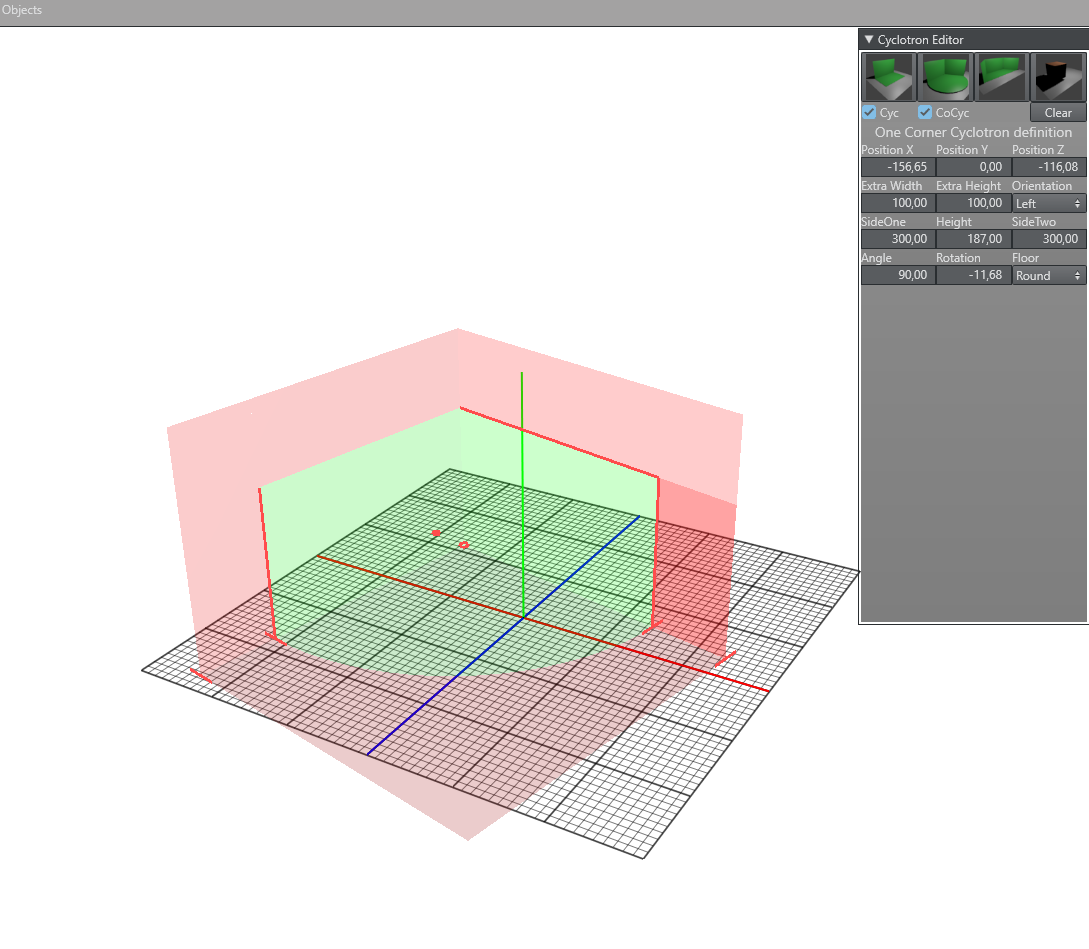
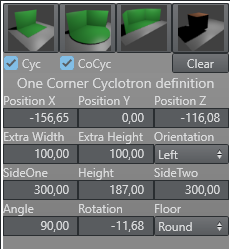
The One Corner Cyc is defined by two sides (side one and side two) and an opening angle. Additionally, the shape of the ground plane can be selected. The user can choose Round, Straight and Rectangular form.
Two Corner
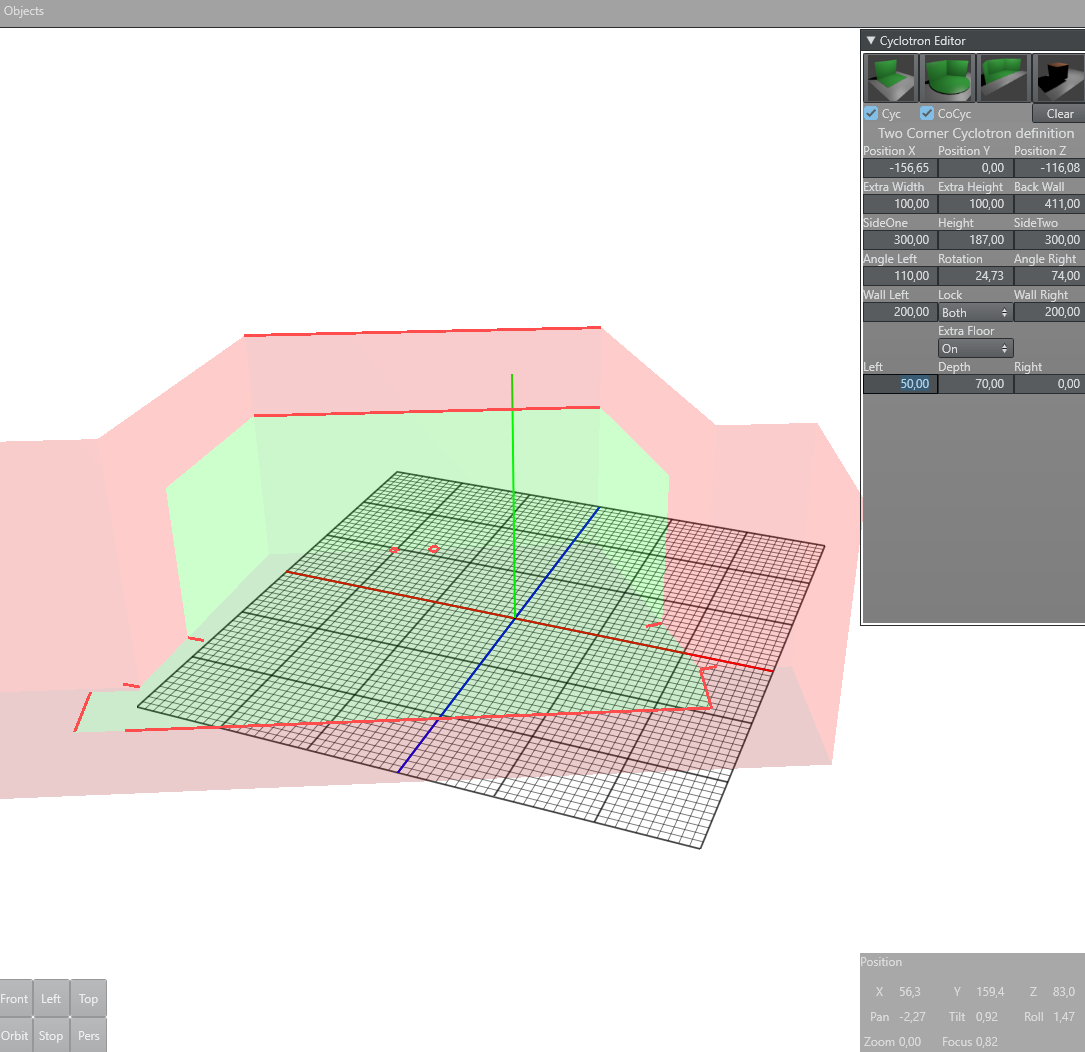
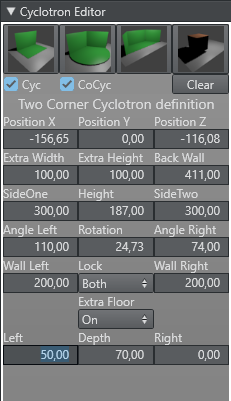
The Two Corner Cyc is defined by the length of SideOne and SideTwo, two opening angles (AngleLeft and AngleRight). It is possible to define the green area of the sides shorter than the side itself. This can be done with the parameters Wall Left and Wall Right. It is also possible to define an extra floor area. This extra floor is added in front of the green walls and extends the shape of the floor.
Masks
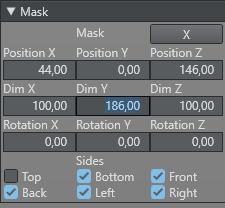
For any CYC model, any amount of Masks can be added. Masks are elements which are added to the CoCyc walls. For any mask element the position, scale and rotation can be defined in the Cyc Editor. It is also possible to select for every sides of the cube if it should be rendered or not. In the tracking hub, the amount of masks is not limited.