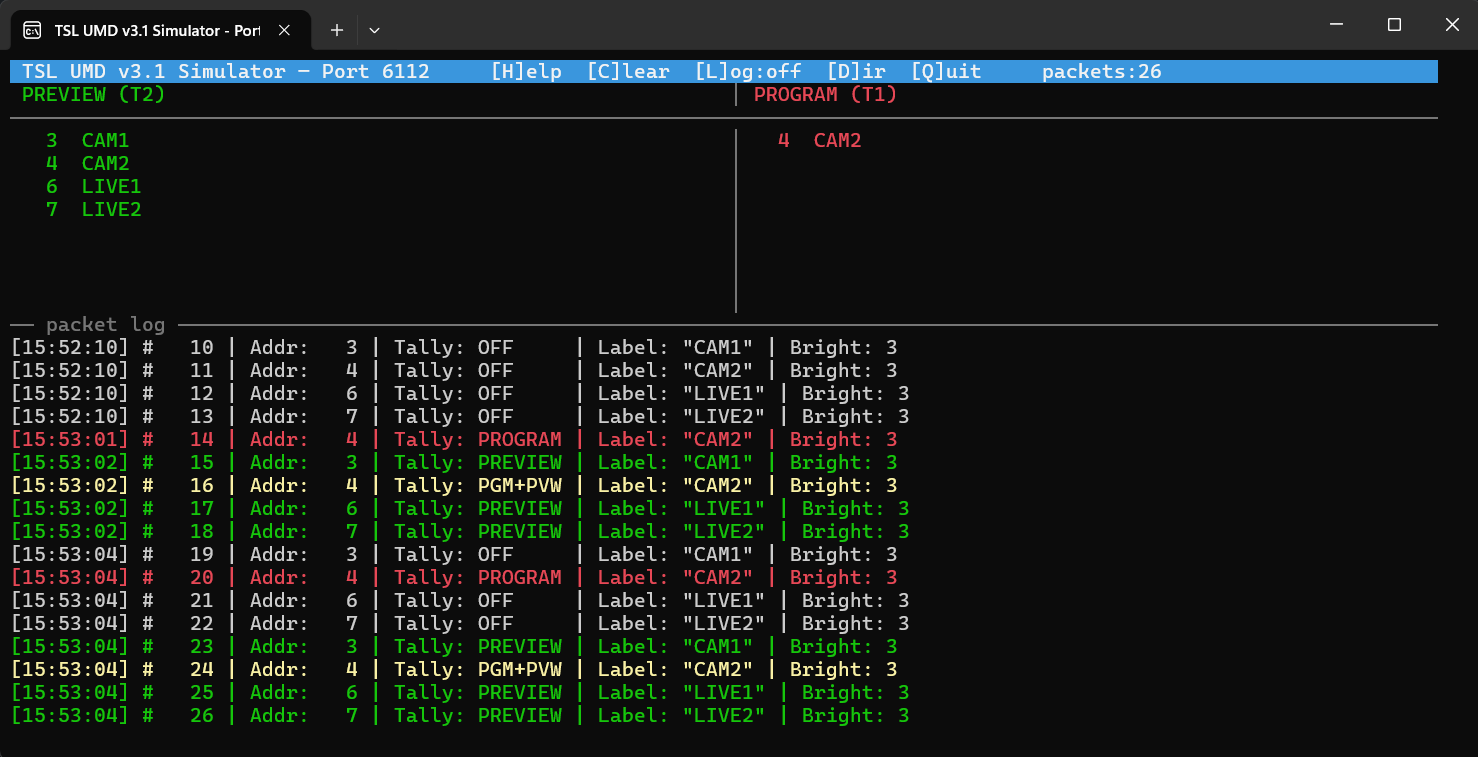
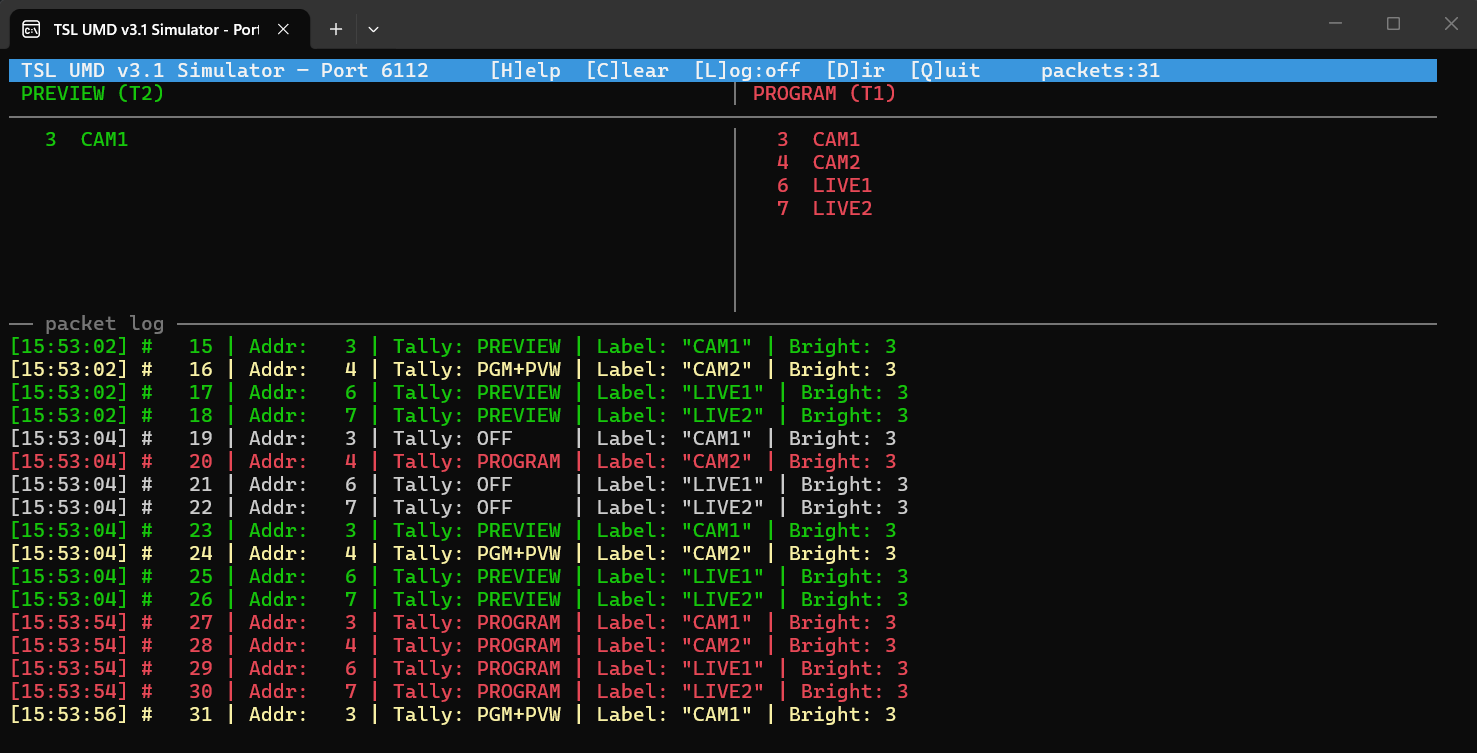
Viz Engine is not a traditional switcher, so it produces no tally of its own. Viz Mosart fills the gap. Because Mosart commands every crosspoint, it can track which sources are on program (red) and cued in preview (green), sending details to multiviewers over TSL UMD v3.1.
Setup
Tally output (TSL UMD v3.1) is a standalone Viz Mosart feature. This setup covers behavior specific to Adaptive Live Producer.
Info: For general details on how to enable Tally, the host/port arguments, the packet format, and the TSL UMD simulator, see section Tally.
Tally Rules by Template Type
Crosspoint numbers from A/V Setup map directly to TSL UMD addresses on the multiviewer. What gets set or cleared depends on the template:
Template type | Clears previous tally? | Sets new tally? |
|---|---|---|
Has Switcher Crosspoint (Camera, Package, Live, DVE) | Yes. Sources not in the new template are turned off. | Yes |
KeyFills only, no crosspoint (DVE overlay) | No. Background is unchanged. | Yes (keyfills) |
No crosspoints (Jingle, Break) | No | No, persists |
Fullscreen Graphics (no crosspoint, has graphics) | Yes. Graphics replace the full output. | No new video sources |
M/E templates (SetMeInPP) | Yes. Switching away from an M/E clears its sources. | Yes |
Preset change only (SET_PRESET, no crosspoint) | Yes. Sources on superchannels the new preset hides are turned off. | No new sources. Sources on superchannels the preset keeps visible stay red. If the scene has no layout information for the preset, tally is left unchanged. |
Preview (Cue) | Previous preview cleared | Yes (green) |
Direct changes / Control Commands | Only the replaced source | Yes (immediate) |
Examples
Camera to DVE 3Box to Camera3
Step | Action | Tally |
|---|---|---|
1 | CAM1 on air | CAM1 = Red |
2 | Take DVE 3Box (CAM1 + LIVE1 + LIVE2) | CAM1, LIVE1, LIVE2 = Red |
3 | Take Camera3 | CAM3 = Red. CAM1, LIVE1, LIVE2 = Off |
Changing preset (keyboard shortcut)
Changing only the preset reshapes the layout. Sources on boxes the new preset drops turn off; sources on boxes it keeps stay red, and no new source is added. Here, 3Box (CAM1 + LIVE1 + LIVE2) changes to 2Box, which keeps the first two boxes:
Step | Action | Tally |
|---|---|---|
1 | DVE 3Box on air (CAM1 + LIVE1 + LIVE2) | CAM1, LIVE1, LIVE2 = Red |
2 | Change preset to 2Box (SET_PRESET keyboard shortcut, no crosspoint) | CAM1, LIVE1 = Red. LIVE2 = Off |
Fullscreen Graphics
Step | Action | Tally |
|---|---|---|
1 | LIVE3 on air | LIVE3 = Red |
2 | Take fullscreen graphics (no crosspoint) | LIVE3 = Off. No new tally |
ALP-specific Limitations
Tally is based on the Program/Preset (PP) M/E only. Sources on other M/Es are not tracked independently. Only T1 (program) and T2 (preview) are sent.