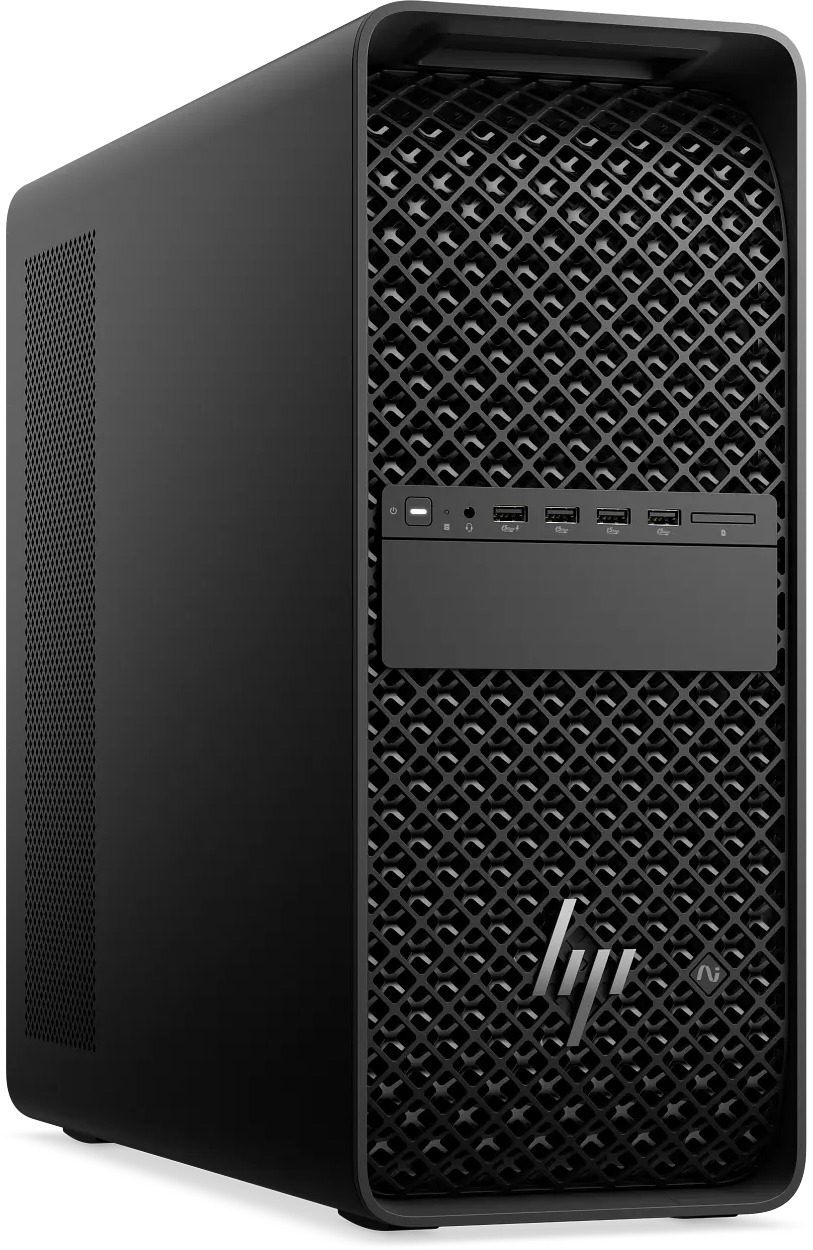
 | 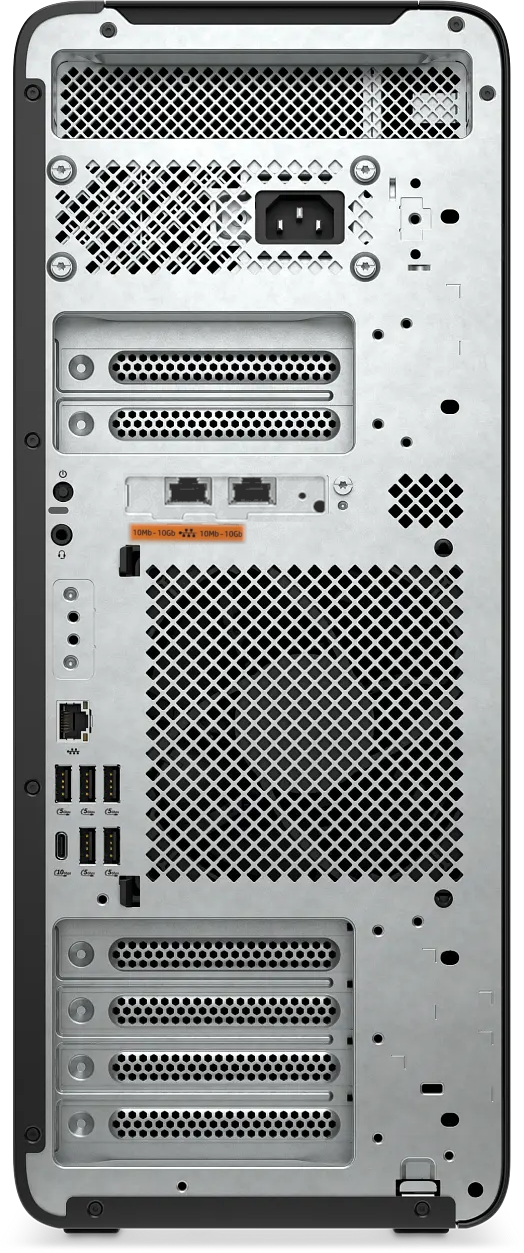 |
|---|
Slot/Card Installation
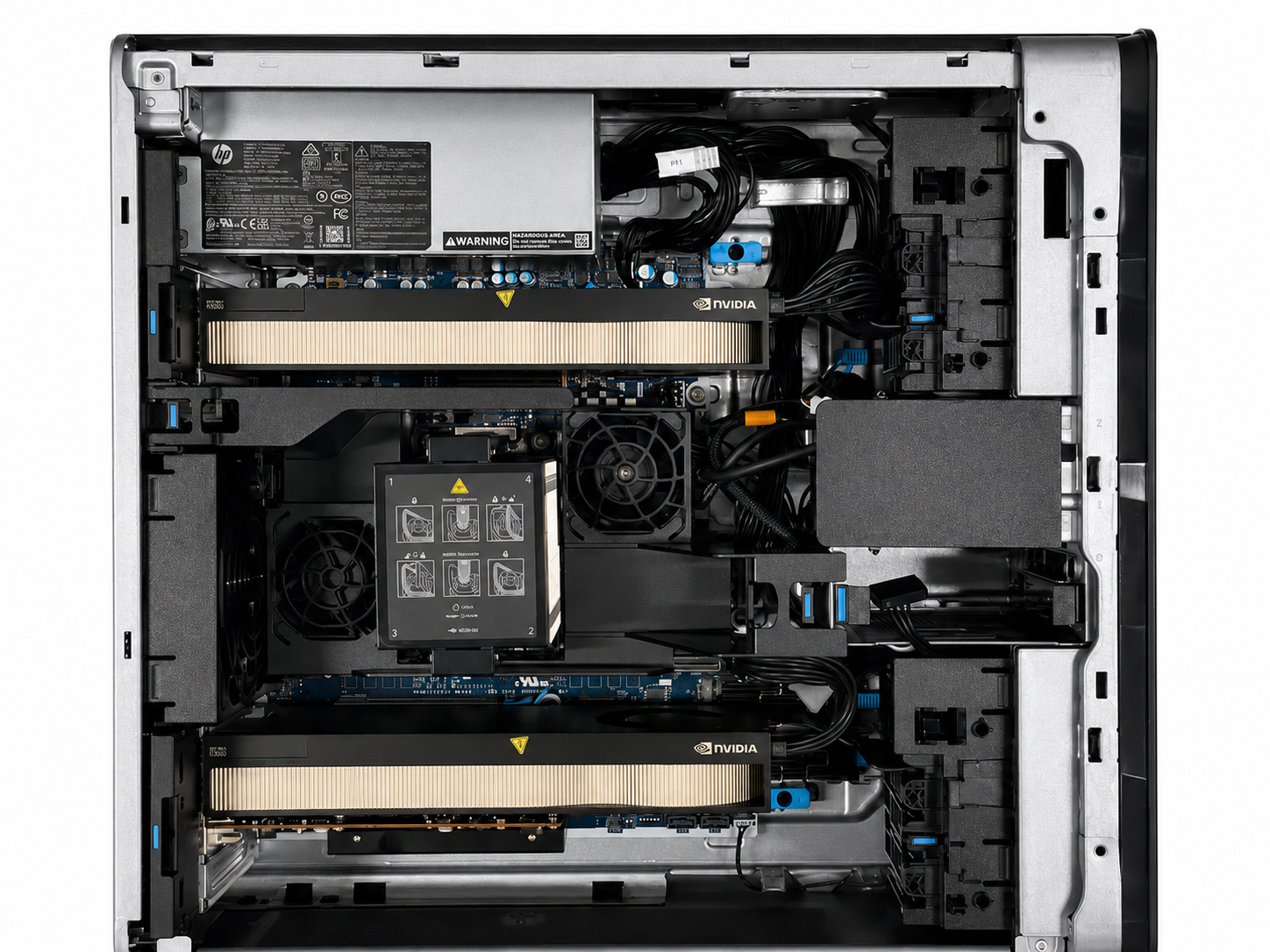
Slot Configuration
Slot | Usage |
|---|---|
Slot 1 Gen5 x16 | First Graphics Card |
Slot 2 Gen5 x4 | Free or used by Dual Slot GPU |
CPU and Memory | |
Slot 3 Gen5 x16 | Second Graphics Card or Matrox M264 |
Slot 4 Gen4 x4 | Other Expansion Card (Serial, GPI) |
Slot 5 Gen5 x16 | Matrox Video Card (X.mio3, X.mio5, DSX LE4) |
Slot 6 empty | |
Default Hardware
Single CPU 12-Cores
Power Supply: 1350W @110V or 1700W @200V, Platinum Rated (92% Efficient)
PCIe Gen4+Gen5 Slots
5 PCIe Slots
64GB DDR5 2x 1TB M.2
1x Gbit RJ45 onboard
2x 10Gbit RJ45 Flex IO
OS Support:
Windows 11 LTSC 2024
GPU Support:
Nvidia Blackwell: RTX PRO 2000 Blackwell, RTX PRO 4000 Blackwell, RTX PRO 5000 Blackwell, RTX PRO 6000 Blackwell Max-Q (300W)
Matrox Support: XMIO5, DSXLE5, M264
Bios Settings
Security/Secure Boot Configuration Secure Boot: Enable
Advanced/Built-In Device Options:
Increase PCIe Idle Fan Speed(%): 30
Advanced/Power Management Options:
Hardware P-States: Disable
S4/S5 Maximum Power Savings: Disable
PCI Express Power Management: Disable
Advanced/Performance Options:
Workload Configuration: I/O-Focused