Page content can come from multiple sources. This section lists the different methods to set or update content for pages, also known as Page Content Filling.
Manual Content
Pages can be filled with content without any connection to a schedule, playlist, database or web service (using update service). See more in Manual Content.
Dynamic Content
Dynamic content allows pages to be automatically filled and updated with information from sources, such as playlists or databases, to ensure that your pages always display the most current and relevant data.
You are advised to use Promo Server for dynamic content filling.
Setting Dynamic Content by source
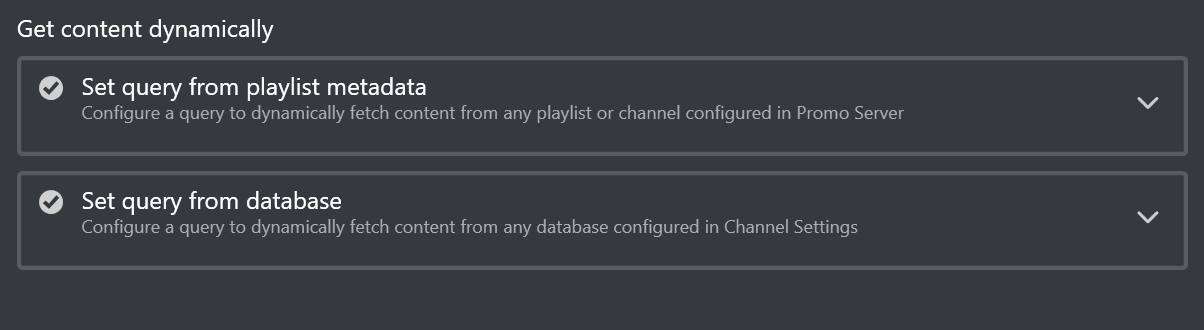
Dynamic content can be set for different types of source:
Clearing Dynamic Content
There are three ways to clear dynamic query in Page Editor:
When query is set, you can remove the playlist query or database query in the Get content dynamically section on the right side of the Page Editor. There is a trash-bin icon
 for each expander.
To clear dynamic query for a field, click the trash-bin icon in the Dynamic query column in Page Fields List on the left bottom of the Page Editor.
To clear all the dynamic queries for all page fields inside a page, click the Clear all dynamic queries button below Page Fields List.
Press Save or Save as to save the changes.
Handling Content updates
Once a playlist is sent to the control room, there is often little scope for across-the-board changes. Each occurrence of a page in a playlist is independent, and editing it from within the playlist will only change that specific instance.
However, there are different ways to handle content updates in playlists:
Content from External Update Services
See more in Content from External Update Services .
See Also