When you update fields (both manual and dynamic fields) of a page in the Page Pool, you may want those changes to be reflected in all instances of that page already present in the playing playlist.
To push page content
Ensure there is a playlist playing (the Push option is only available when a playlist is playing).
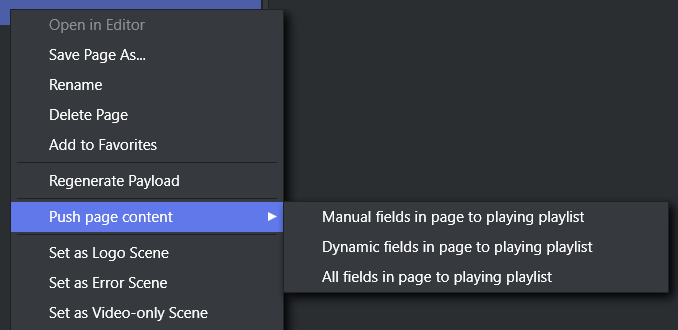
Right-click one or more pages in the Page Pool that you wish to update.
In the context menu, select an option for pushing content by type of field (Manual, Dynamic or All) to playlist pages.
A confirmation dialog displays the number of affected playlist pages.
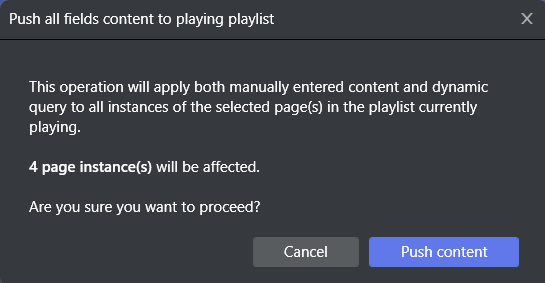
Click Push content to proceed.
A notification will appear when the push is finished.