Camera tracking and video data needs to be synchronized both for Viz Engine and Reality Connect. The delays are affected by multiple factors such as hardware performance and parameters. Read through this chapter to learn how to correct these delays.
Overview
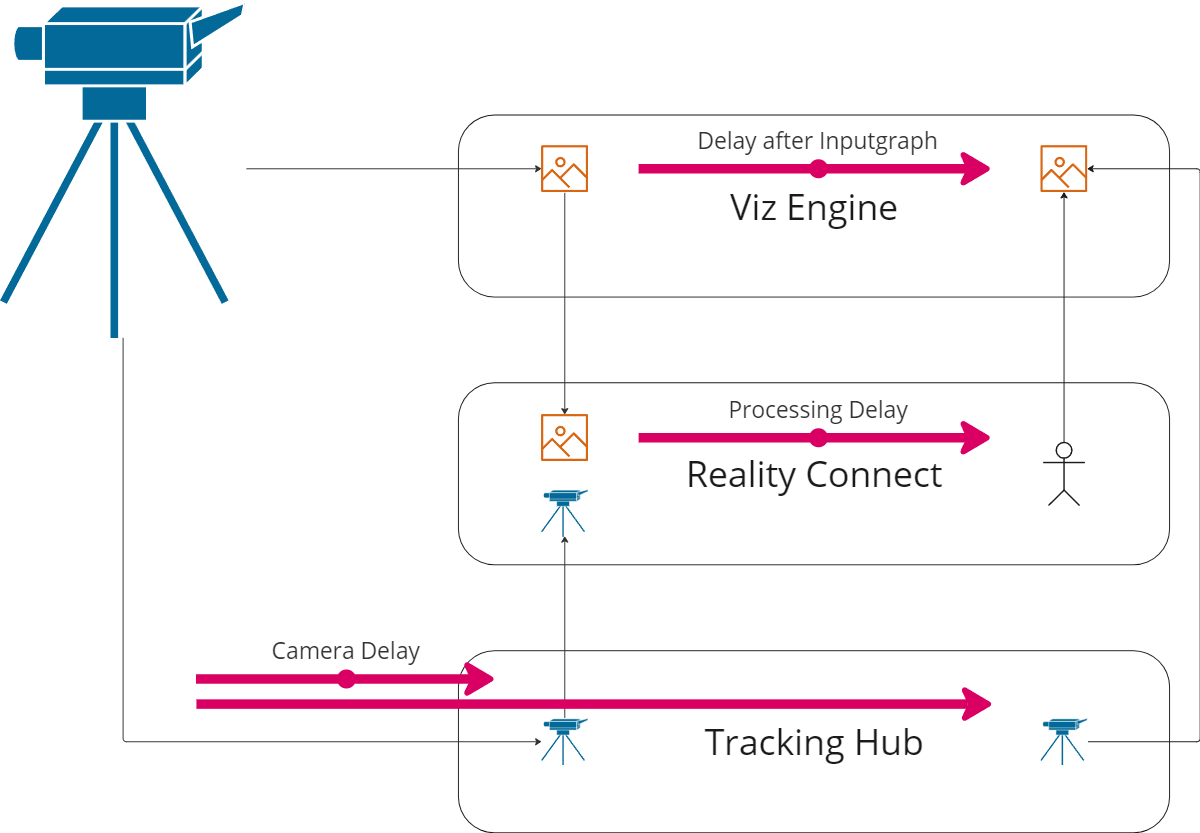
Reality Connect adds an additional delay to the virtual studio system. The image and camera data need to be delayed correspondingly for Viz Engine to render the scene. Details are explained in the following section.
Synchronization Guidelines
Configure the following parameters to synchronize the system.
Note: It is important to specify the following delays in a top-down order, as some parameters affect others.
Smoothing Strength
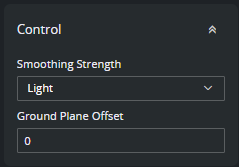
A stronger Smoothing Strength increases the overall delay of the system.
Performance Mode
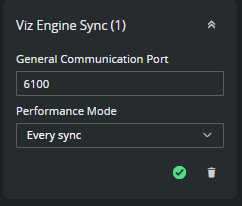
The overall delay of the system is increased when not every field is processed.
Info: This assumes that no performance problems are encountered. If a corresponding warning is displayed choose a different performance mode.
Tracking Hub Delay for Viz Engine

Synchronize the camera data with the Viz Engine using the Overall Delay (Fields) parameter within the camera rig connected to the Viz Engine. This Camera Delay has to be determined experimentally.
For the camera data which is sent to the Viz Engine, add to this Camera Delay the Processing Delay from the Delay Value Table below.
Tracking Hub Delay for Reality Connect
Synchronize the camera data with Reality Connect using the Overall Delay (Fields) parameter within the camera rig connected to Reality Connect.
As Overall Delay (Fields) set the previously determined Camera Delay (without the Processing Delay).
Viz Engine Delay after Inputgraph
This delay synchronizes the talent tracking data received from Reality Connect with the Viz Engine rendering.
Change the Delay After Input Graph for your camera input source to the Processing Delay value (in this case LIVE1):
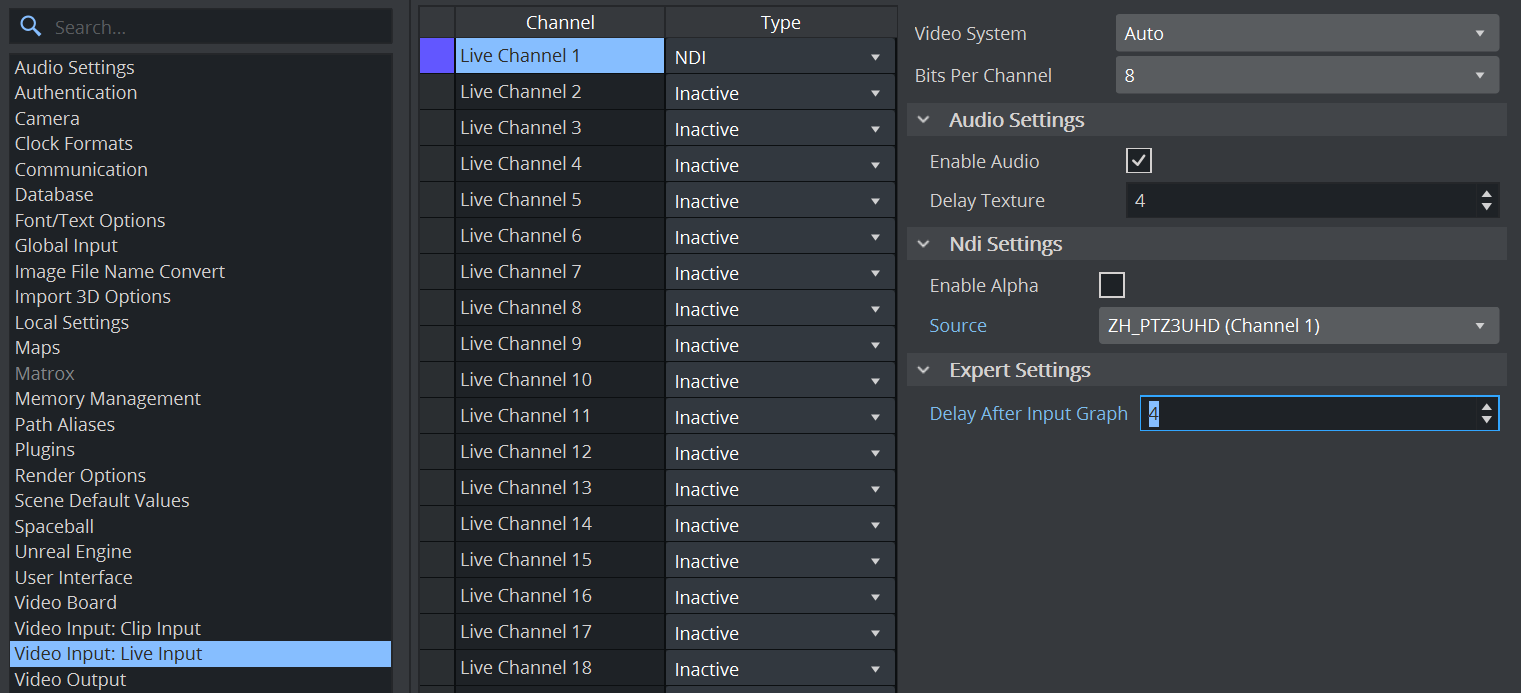
Choose the Processing Delay value according to the Delay Value Table at the end of this chapter.
Delay Value Table
Performance Mode | Smoothing Strength | Processing Delay |
|---|---|---|
Every sync | Off | 3 |
Light | 4 | |
Medium | 5 | |
Strong | 7 | |
Every second | Off | 4 |
Light | 5 | |
Medium | 6 | |
Strong | 8 | |
Every fourth | Off | 8 |
Light | 8 | |
Medium | 8 | |
Strong | 10 |