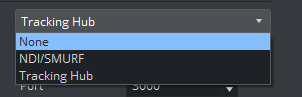
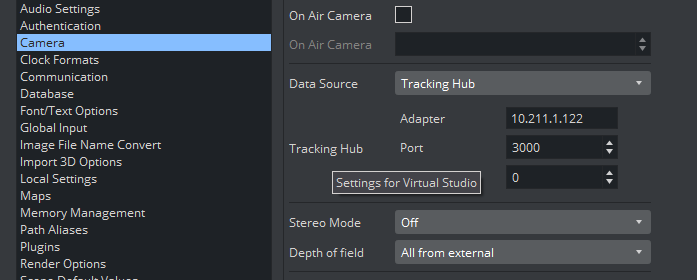
Viz Engine needs to be correctly configured to receive tracking data from the Tracking Hub. For the correct configuration open the engine configuration and select the camera section. In “Data Source” select “Tracking Hub” in case you use UDP for tracking data transport. In case of NDI select “NDI/SMURF”.
When your machine comes with more than one network adapter you can add the adapter address and the port in the Adapter Box and Port number box.
IMPORTANT! The Viz Engine must be restarted after changing the configuration.