The XML necessary to support a virtual set environment is generally obtained from Vizrt Support. The following procedure indicates how to import or export such an XML file.
To Import or Export a Virtual Studio Settings File
From the main menu, select Extra > Viz VR Studio Setup. The Viz VR Studio Setup window opens.
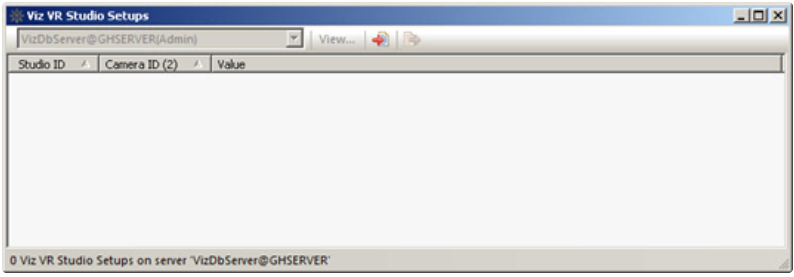
On the tool bar, click the Import or Export button.
Select the XML file and click Open or Save.