AI Keyer 1.1.0
Release Date: 2026-08-31
These are the release notes for AI Keyer version 1.1.0. This document describes the user-visible changes that have been made to the software since release 1.0.0.
Models
Keyer Standard 1.0
The standard model from the 1.0 release.
Keyer Standard 1.1
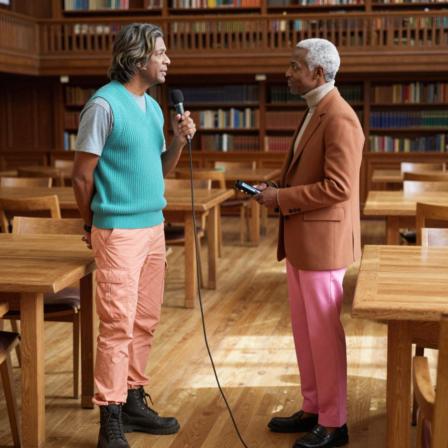
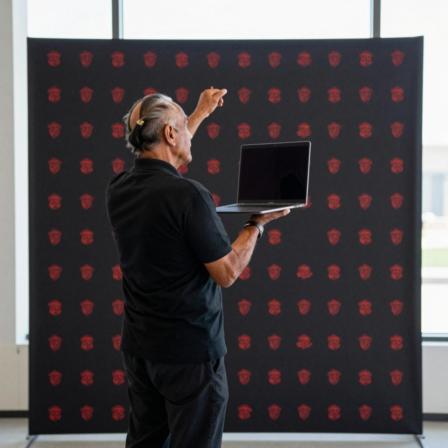
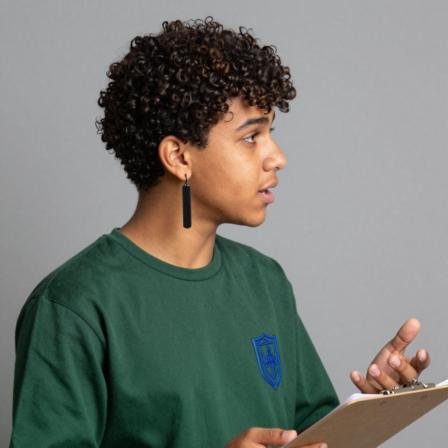
The improved version of the standard model. Better on objects (microphones, headsets, paper cards, tablets and phones), improved contours, and improved details.
 |  |  |
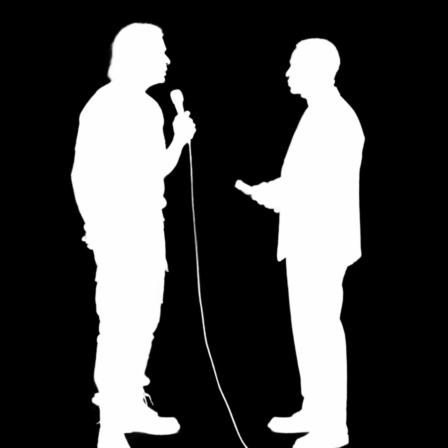 | 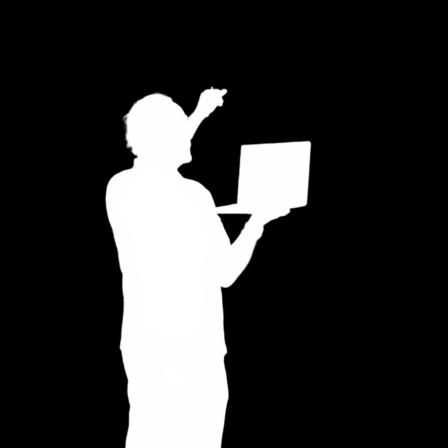 | 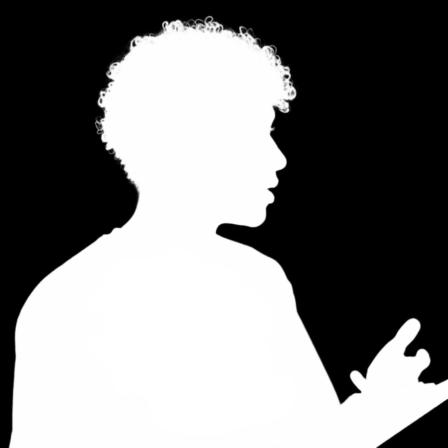 |
Images above are generated using AI.
Keyer Studio 1.1
The best model for controlled studio productions. Can be configured for optimal quality depending on the camera framing (see below).
Note: This model does require a dedicated graphics device to run on.
Features
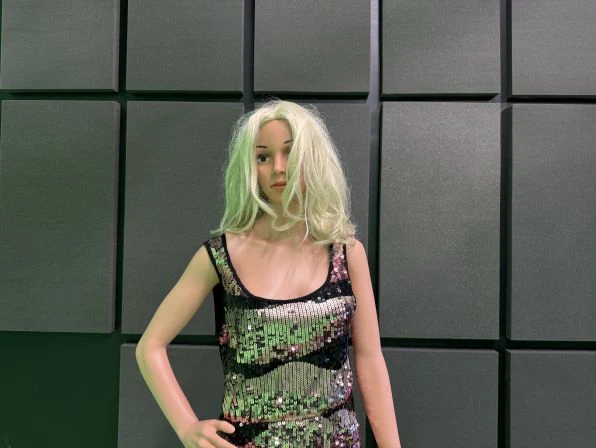
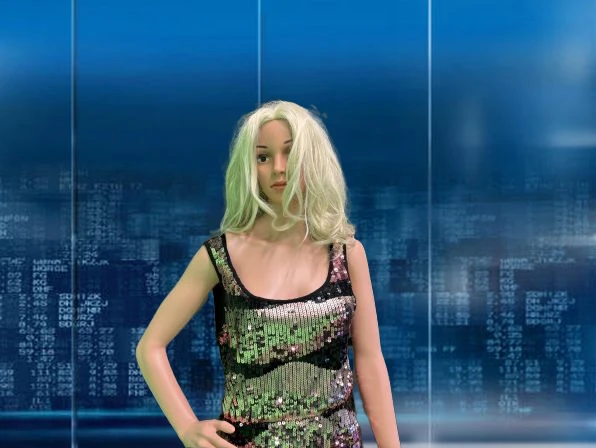
Greenscreen-less
The Vizrt AI Keyer removes the need of a green screen to accurately move talent(s) from a real to a virtual set, or to augment a scene with AR elements.
 |  |
Framing
People are recognized by the AI Keyer in various shots. The Keyer Standard 1.0 and Keyer Standard 1.1 work best from Medium Close-Up to Full Shots, while the Keyer Studio 1.1 can be configured for optimal quality on all shots below.

Multiple Talents
The AI Keyer recognizes multiple talents or groups of persons.
Clothing
The AI Keyer supports a variety of casual, business and elegant looks.
Generalization
The AI Keyer has been extensively trained on a significantly broader and more diverse dataset. It delivers reliable, high‑quality results across a wide range of appearances, covering different genders, ages, and skin tones, ensuring consistent performance for all users in all scenarios.
Holding Objects
Objects are recognized as part of the foreground while being held or worn by the person. In contrast, when in isolation, they are treated as part of the background. The AI Keyer was speicifically trained on microphones, headsets, modcards, tablets, and phones.
Broadcast Formats
All common broadcast formats are supported such as 720p, 1080i, 1080p, and 4K (including HDR).
Known Limitations
Animals
Animals were not considered for this version of the AI Keyer.
Extreme Framing
Shots more extreme than the ones in the framing visualization above are not supported.
Extreme Movement
The keying quality suffers in case of extreme movement of the talent with respect to the camera framing.
Out of Focus
If a talent is not in focus (for example, appears blurry), they can potentially be merged with the background by the AI Keyer.
People in Background
In scenarios with multiple people, they should all stand at a similar level of depth to be considered as foreground. The AI Keyer is trained to put people in the background if they stand significantly behind the main person(s). Vice-versa, people in background might jump into foreground if reasonably close.
Reflections
Crisp and strong reflections of talent(s) could be misinterpreted as foreground.
Transparent Objects
Transparent objects such as a drinking glass (when held by the talent) could be keyed into the background if the background is shimmering through too strongly.
Unrecognized Objects and Patterns
The AI Keyer is trained on a large and diverse dataset; however, there can be objects or patterns that have not been seen during training which could potentially confuse the AI Keyer.
Little Background Difference
If the talent(s) look too similar to the background (for example, the talent wearing white clothing in front of a white wall), the AI Keyer might confuse portions of background and foreground.
Aspect Ratio Different from 16:9
Broadcast formats with a different aspect ratio than 16:9 still function, but at a qualitative cost.
Documentation
Documentation for AI Keyer and related products are available on the Vizrt FTP and on the Vizrt Documentation Center:
Support
Support is available at the Vizrt Support Portal.