The Search Tab provides options to search in the archives. The following file types can be searched:
Scenes
Geometries
Materials
Advanced materials
Images
Fonts
Audio files
When the search tab is selected, by default all folders and archives are selected as search areas. Deselect folders and archives as required to narrow a search.
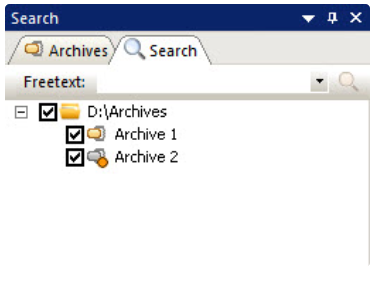
To Search for a File in an Archive Folder
Click on the Search tab.
In the Freetext box, type text to search for.
Search results are shown in the Search result panel.
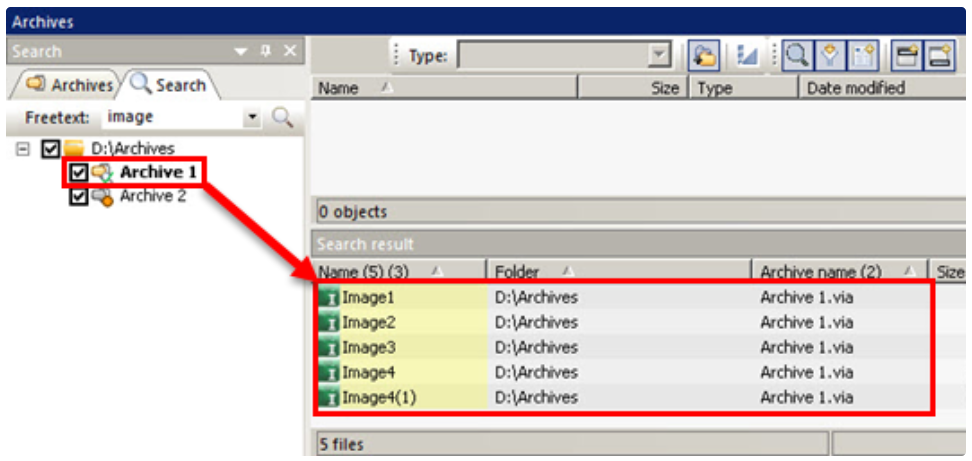
Double-click a file in the Search results list to see the file properties.
Tip: Or right-click the selected file and select Properties.