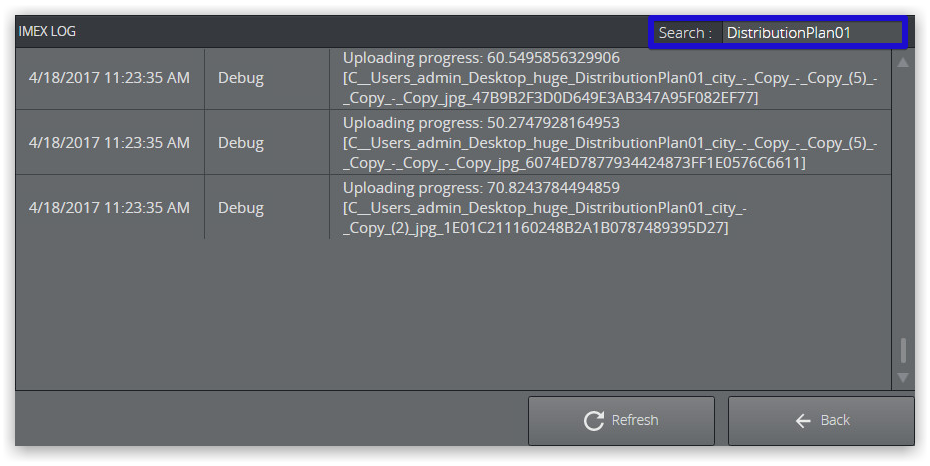
A general GH ImEx Agent related log can be viewed under Report > Logs.
You configure the log level under Options > Configuration.
Furthermore, you can download an archive of all log and configuration files from Report > Export. This is particularly useful when troubleshooting and for support requests.
To View ImEx Agent Logs
Navigate to Report > Logs to display the logs section.
Search with custom text using the text field in the top right hand corner.
To Manage Reports
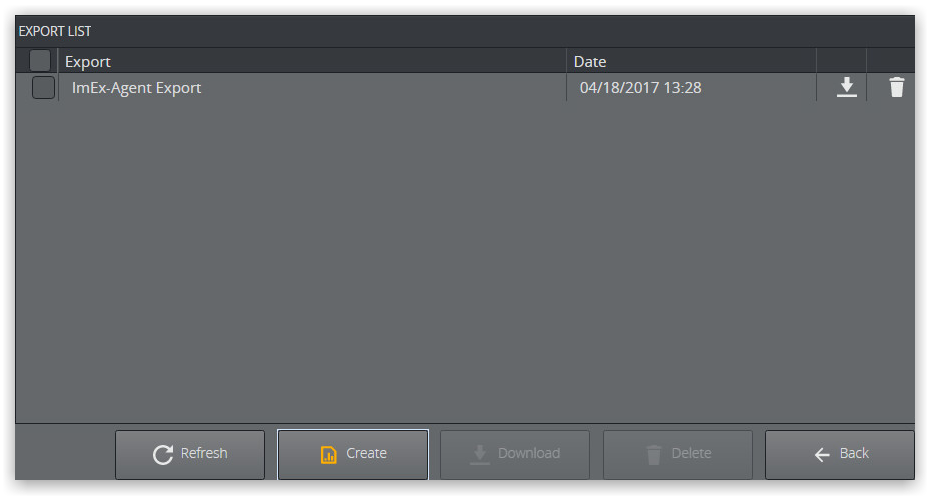
Navigate to Report > Export.
The Export section displays all previously created report exports.
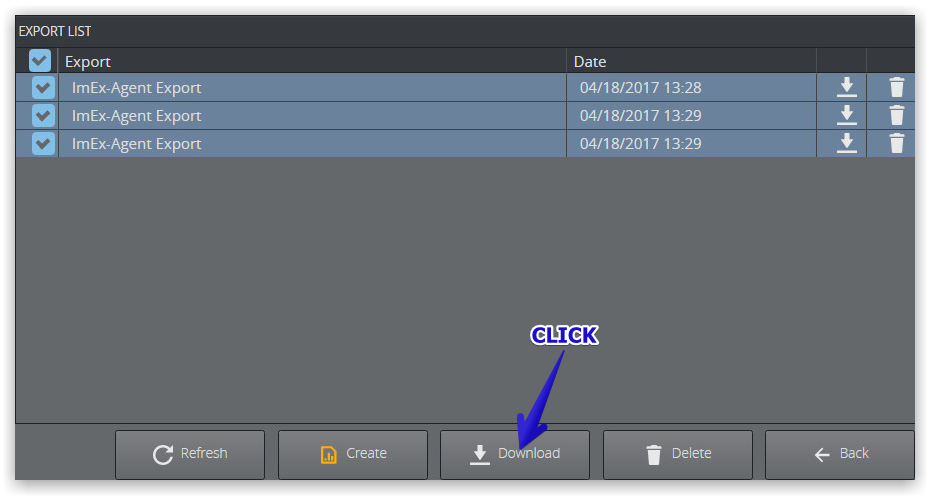
Select one or multiple exports
Click Download to download a .zip file containing information about ImEx Agent settings and current configuration.
Note: The report archives are stored in a temporary directory of the operating system, not persistent, and are lost when you stop or restart the ImEx Agent service.
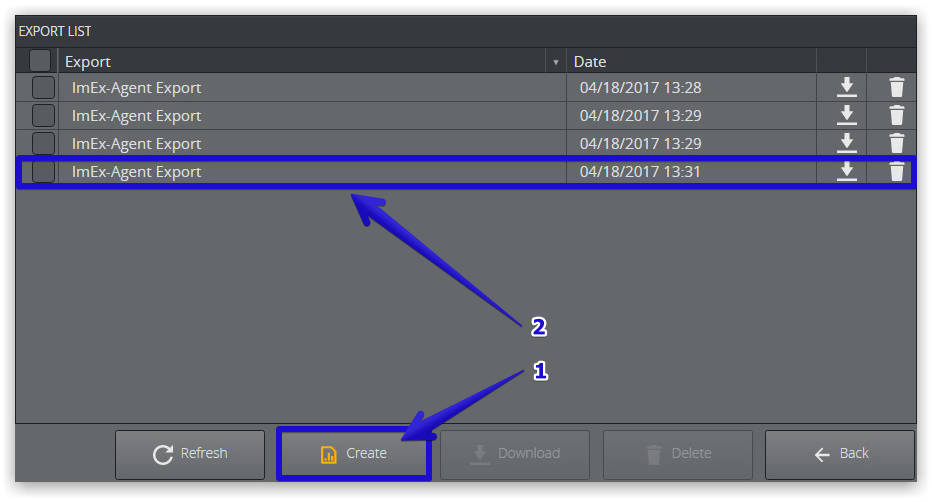
To Create a Report
Click Create (1) to immediately generate an report export. The newly generated report is added to the list (2).